Getting Started
Prerequisites
- You are a member of an AECIS project with a role that has Submittal access (see Overview).
- The project has been configured with the Submittal Type, Discipline, and Package catalogs and the DTag tree, and at least one Submittal Type has been assigned to the project in Project Admin.
Open the Submittal module
- Sign in to AECIS and open your project.
- In the left navigation sidebar, expand the DOCUMENTS group.
- Click Submittals.
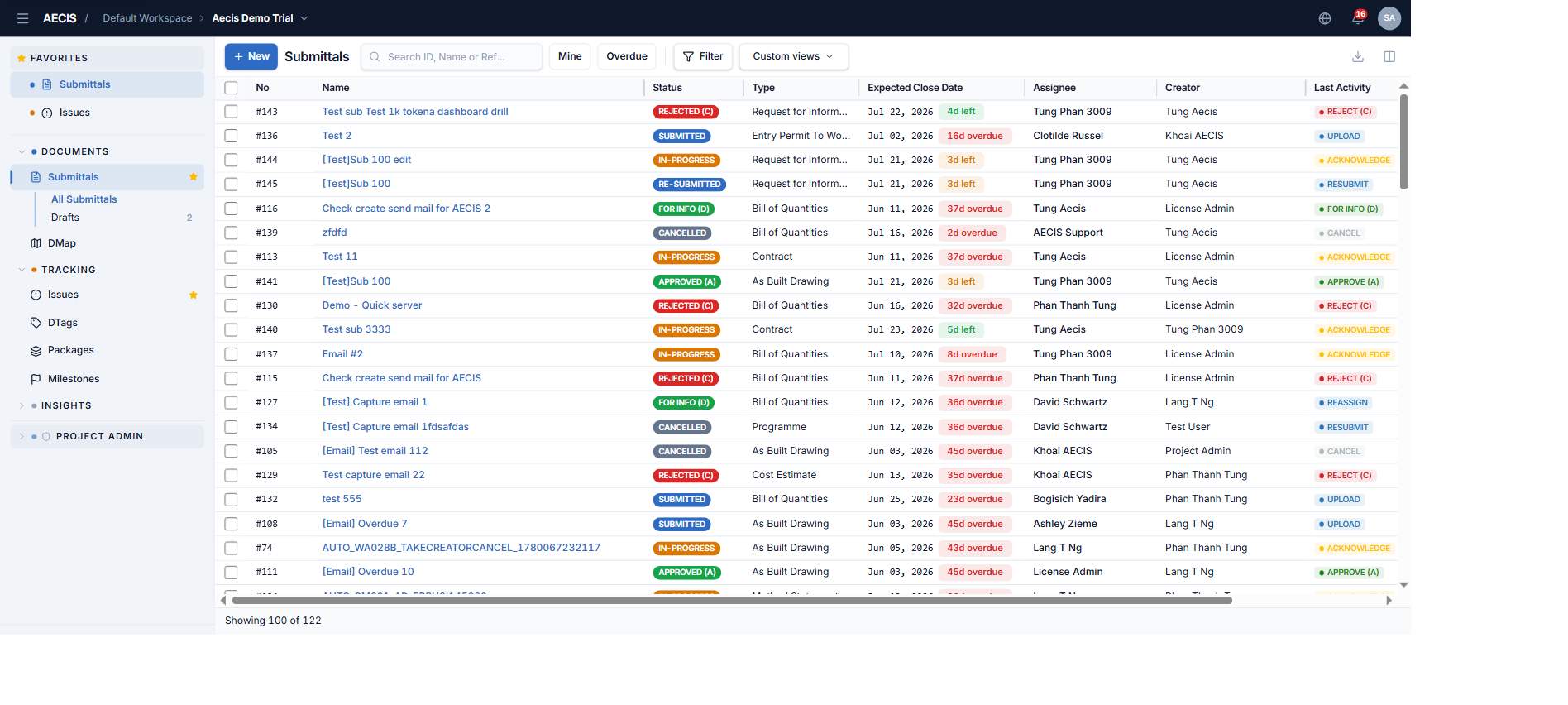
The module uses the familiar AECIS three-column layout: navigation sidebar on the left, a high-density data table in the center, and the detail panel on the right when you click a row.
Quick navigation
Under Submittals in the sidebar there are two entries:
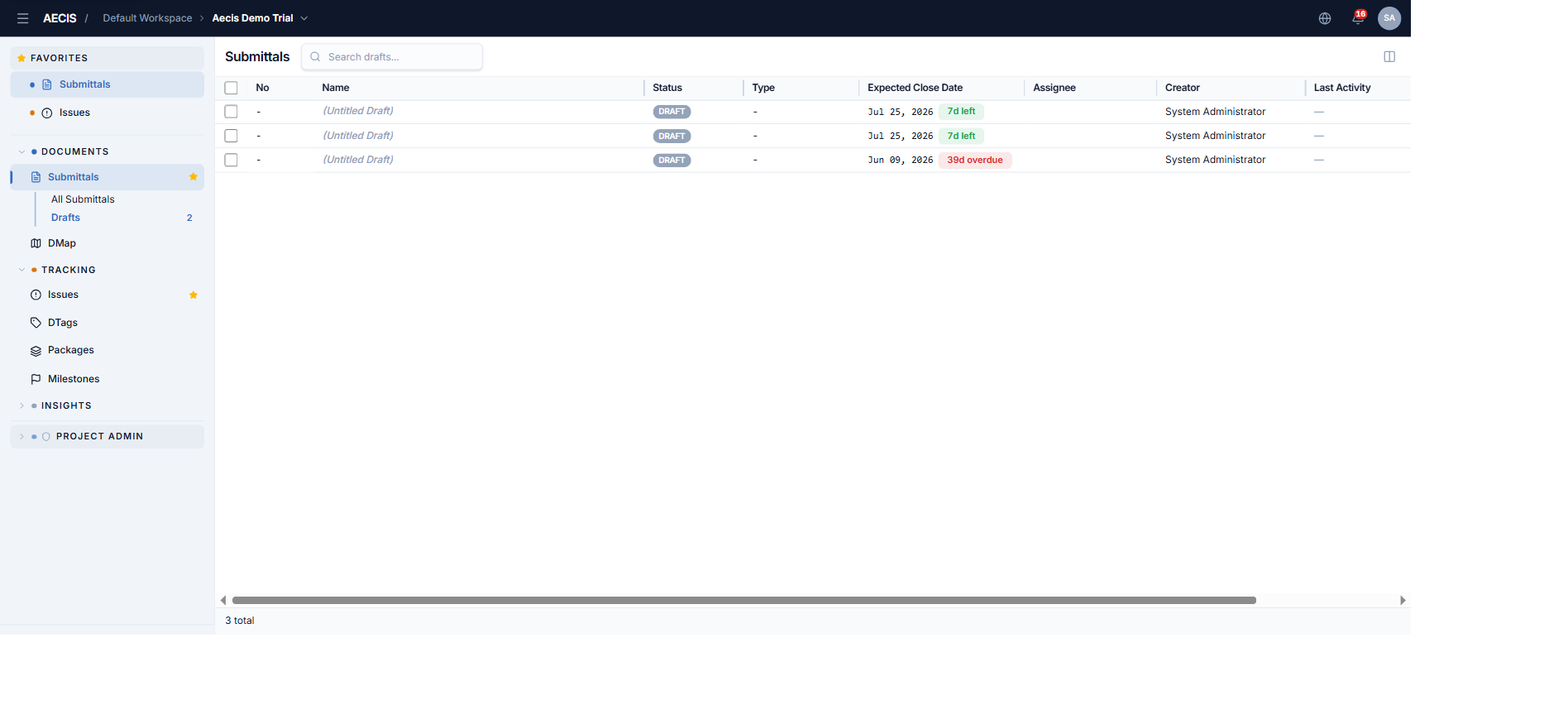
- All Submittals — the full list.
- Drafts — your unsubmitted drafts (with a badge showing the count). The Drafts view has its own search box and no Create button — new items are created from the main list.