Filter & Search
Prerequisites: none — all project members can filter and search the submittals they are allowed to see.
Quick search
Type in the search box at the top of the list to filter by:
- Submittal ID
- Submittal name
- Reference number
The "Mine" toggle
Click Mine to narrow the list to submittals where you are directly involved.
The "Overdue" toggle
Click Overdue to show only submittals past their Expected Close Date that are still awaiting resolution.
Detailed filter
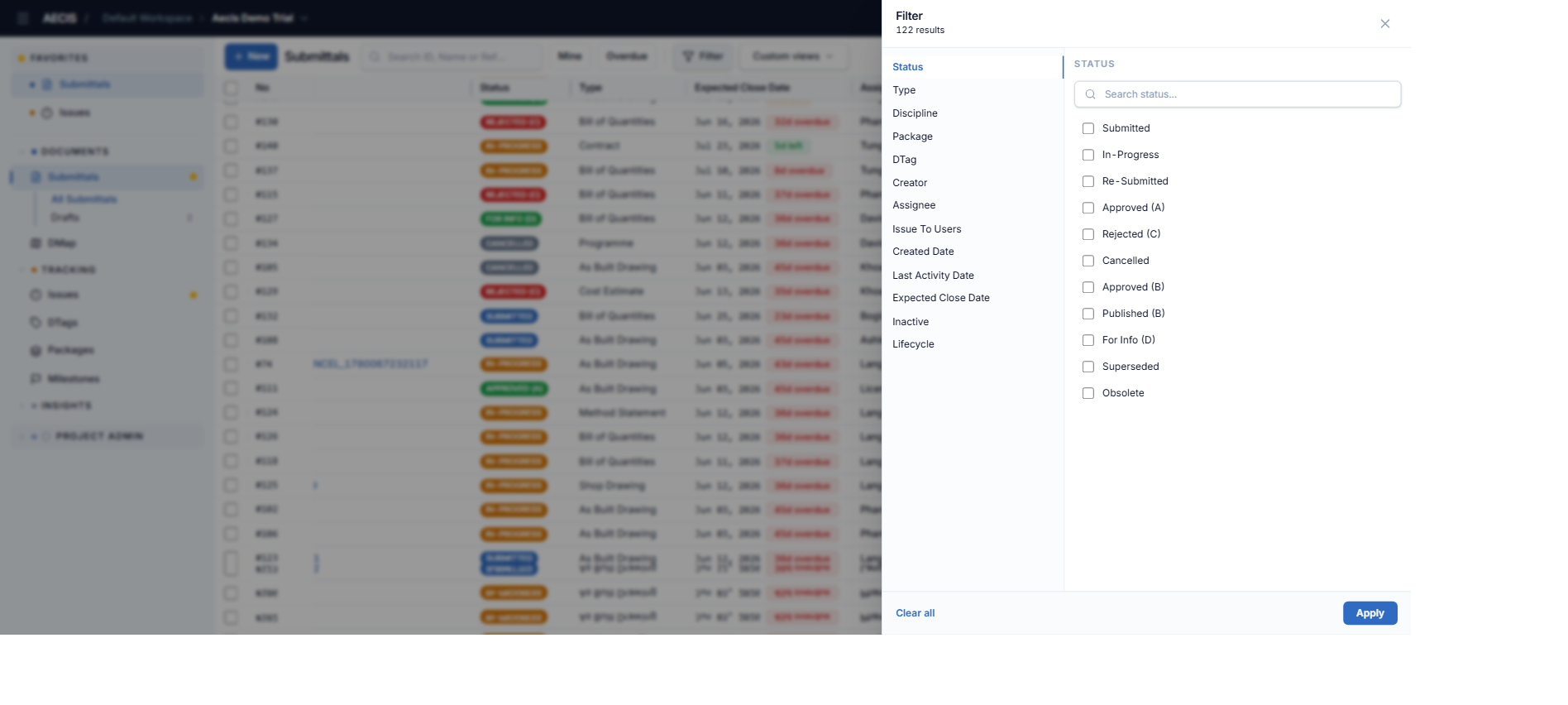
- Click the Filter button. A filter panel slides in from the right.
- Combine any of these conditions (they apply together — AND logic):
- Status
- Type
- Discipline
- Package
- DTag
- Creator
- Assignee
- Issue To Users
- Created-date range
- Last-activity-date range
- Expected-close-date range
- Inactive
- Lifecycle (Inactive / Active / Closed)
- The matching result count updates instantly.
- Use Clear all to reset, Apply to run the filter.
Saved custom filters
Create and name a filter made of multiple conditions combined with AND or OR, and save it for quick reuse:
- Open Custom views in the toolbar.
- Build your conditions and give the filter a name.
- Select it from the Custom views dropdown any time.