Email Notifications
How notifications work
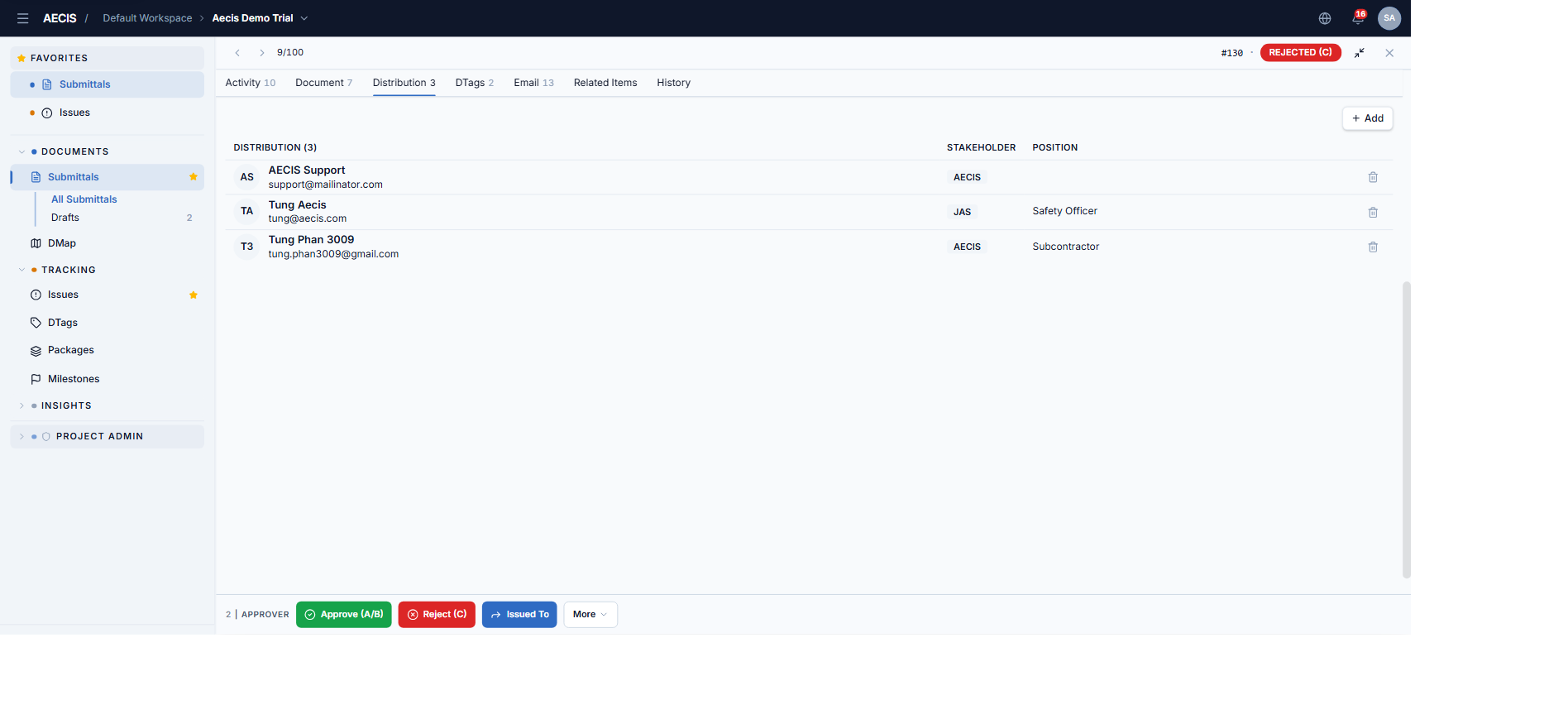
When an action occurs on a submittal, AECIS emails the people in the submittal's distribution list. Each action dialog has its own Notify Recipients via Email checkbox, so you decide per action whether an email goes out.
By default, every action that notifies recipients sends its email immediately — one email per action.
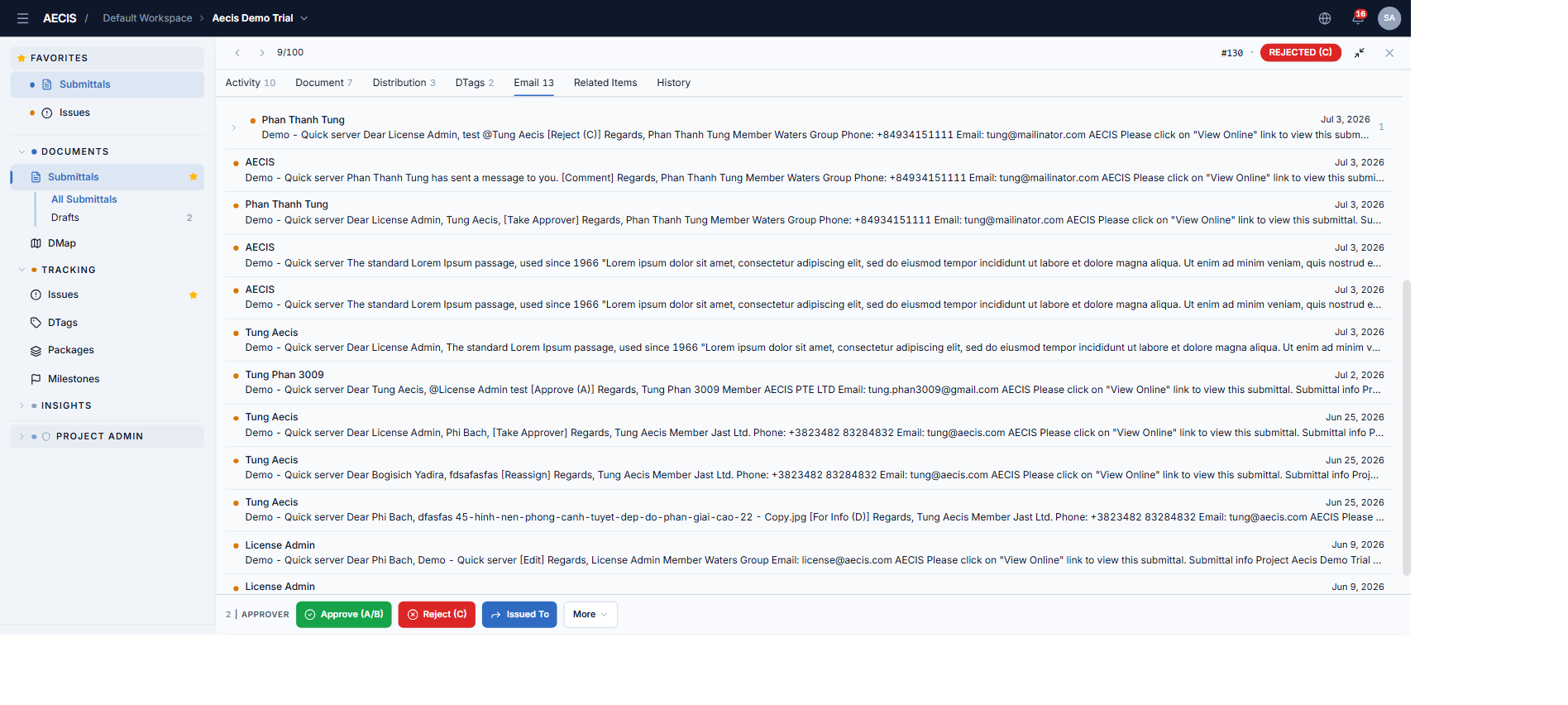
Emails generated from the submittal are listed in the Email tab — open one to read it or Reply All (the reply is recorded back into the Activity timeline).
:::note No end-of-day batching Unlike the Issue module's COB option, the Submittal module has no end-of-day digest — every notification is sent at the moment the action happens. :::
In-app / web notifications (bell icon)
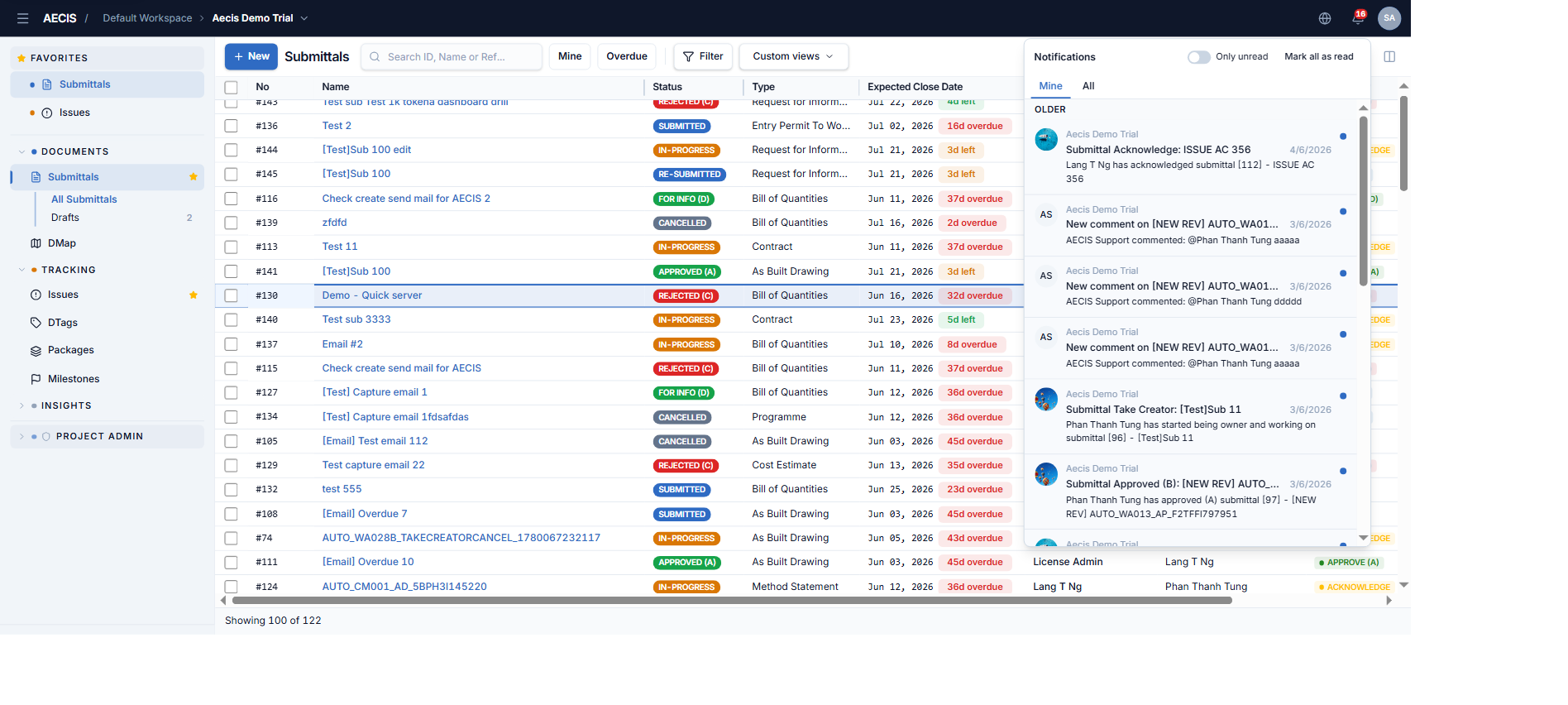
Besides email, every notification also appears in the application via the bell icon in the top bar. Notifications distinguish:
- Direct — you are addressed personally (To: or @-mentioned). Shown in the "Mine" notification view.
- Indirect — you received it via CC or the distribution list. Excluded from "Mine".
Managing the distribution list
- When creating the submittal you set the distribution list; you can add or remove people, and every action dialog lets you adjust it (+ Add Distribution).
- Later, manage recipients in the Distribution tab of the detail panel — see The Detail Panel.