Issue Module (Mobile) — Overview
The mobile Issue module lets field users — engineers, supervisors, QA/QC staff, subcontractors — create, browse, track, comment on, and action issues directly on site, including while there is no signal.
It is the mobile counterpart of the web Issue module and works on the same data. The difference is the interaction model: where the web is a back-office tool with a dense three-column layout, the mobile app is built for one hand, a touch screen, and unreliable connectivity — a single-column card list, full-screen sheets, direct camera capture, and a save-now, send-when-online queue.
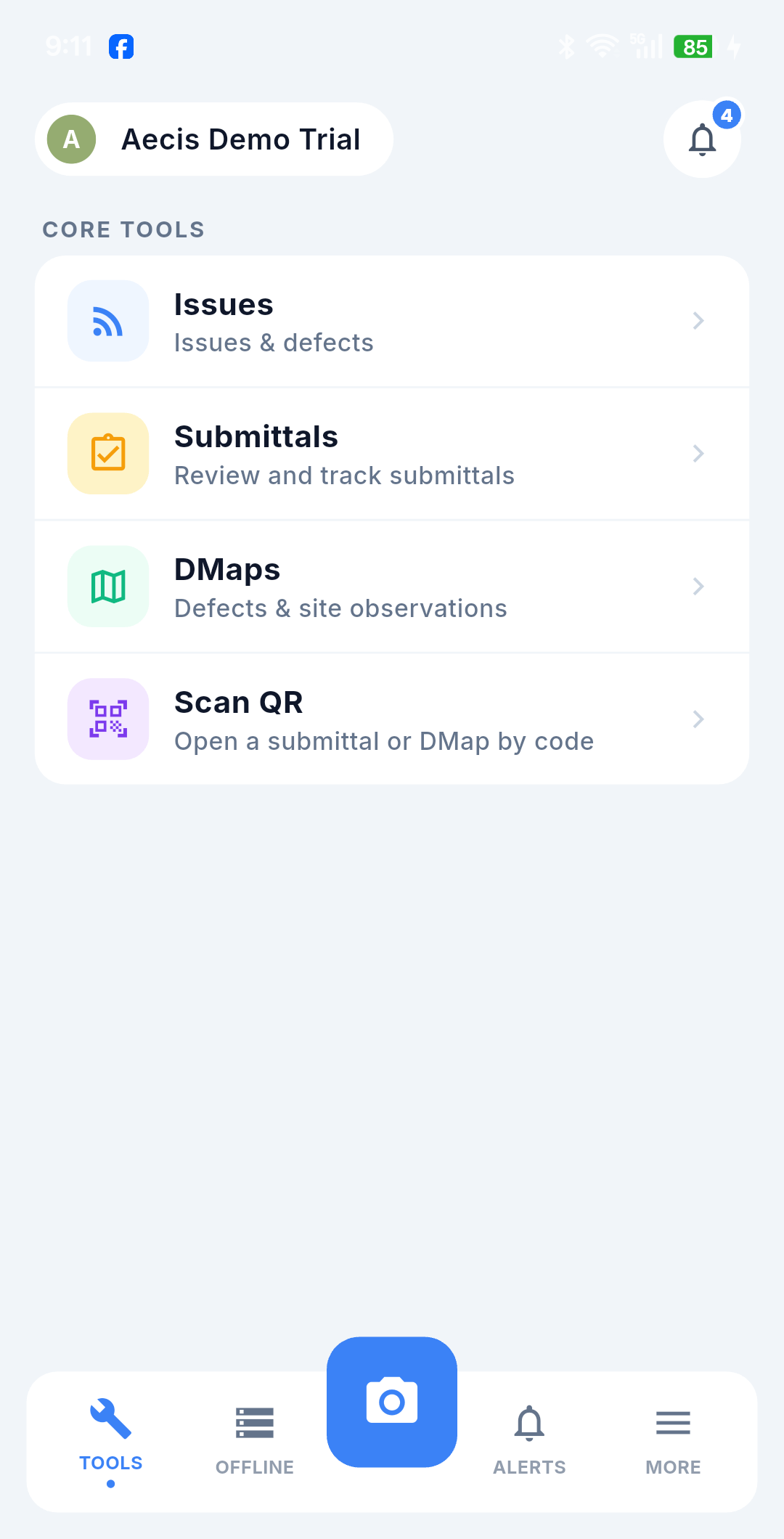
You will find it under Tools, alongside Submittals, DMaps and Scan QR. The bottom bar carries the rest of the app: Tools, Offline (drafts and pending uploads), the camera shortcut, Alerts and More.
Key concepts
| Term | Meaning |
|---|---|
| Issue | An item to be tracked and resolved within the project (a defect, a remedial item, a point to watch) |
| Creator | The person who opens the issue |
| Assignee | The person responsible for resolving it |
| Resolver | The person who actually performs the closing action — recorded as whoever taps Complete or Close, never defaulted to the assignee |
| Stakeholder | The organization a user belongs to; shown as an abbreviation on cards |
| Distribution | The recipients who receive email notifications when the issue has a new action |
| DTag | A hierarchical tag that locates the issue by work item / position |
| DMap | The drawing the issue is pinned onto. Every issue on mobile is created from a DMap pin. The pin is a coordinate on the drawing itself — a position in the drawing's own page space, not a map coordinate and not your device's GPS |
| DMap Label | The text identifying the pin's position on the drawing; filled in automatically and editable by hand |
| Auto-Fill by DTag (AFD) | Uses the DTags of the pin you create from to suggest the Title and Description and to add the matching DTags (mobile-only) |
| Draft | A create form saved on the device but not yet submitted (mobile-only) |
| Offline queue | The store that holds creates, actions, and comments until connectivity returns (mobile-only) |
| Pending action | A queued action awaiting sync, shown as a banner plus a read-only line on the timeline (mobile-only) |
Issue lifecycle
The lifecycle is identical to the web version:
Opened → (Update / Complete → Done) → Close → Closed, with Cancelled as a terminal status and Reopened bringing a done, closed, or cancelled issue back into active work.
| Status | Meaning | Color |
|---|---|---|
| Opened | Newly created, awaiting resolution | 🔵 Blue |
| Reopened | Brought back for further work | 🔵 Blue |
| Done | Work finished, awaiting confirmation to close | 🟠 Amber |
| Closed | Confirmed resolved and closed | 🟢 Green |
| Cancelled | Cancelled without resolution — terminal | ⬛ Dark slate |
Status display names and colors come from the project configuration, so they may read differently from one project to the next.
:::caution No overdue indicator on mobile The mobile list does not compute or show an overdue flag, because the list item carries no due date. There is therefore no "Overdue only" filter and no Overdue quick tab. The due date still exists on the create form and the detail screen — just not in the list. On web, overdue is shown. See Web ↔ Mobile differences. :::
Issue numbers
Every issue gets a system-assigned number shown with a leading # (for example #1042). While an issue you created offline is still queued, the app shows a temporary internal identifier; the official number arrives when the item syncs.
What mobile is best at
- Capturing what you see, where you see it — every issue starts from a pin on the DMap, so its exact position on the drawing is recorded automatically. Multi-shot camera, gallery, video, and markup go straight into the issue.
- Working with no signal — create, comment, and action issues offline; everything is sent automatically when you are back online. You can also switch offline on deliberately. See Working Offline & Sync and Offline Mode & Sync Management.
- Scanning quickly — a compact card list built for reading at arm's length in daylight.
Back-office work — bulk actions, PDF/Excel export, column management, inline editing — stays on the web.