Offline Downloads
A DMap you have downloaded opens with no signal at all — image, pins and, depending on the mode, the issue content behind each pin. This is the capability the web version has no need for, and the one worth doing before you leave for site.
Two modes
| Mode | For | What comes down |
|---|---|---|
| Create | Capturing defects offline | Map info + the map image + the annotations list, so existing pins still render. No per-pin attachments |
| Review | Reviewing and actioning offline | The full bundle: everything in Create, plus per-pin images, the linked issue, its latest activity and attached documents |
Which one you get depends on where you tap:
- From the DMap list → Create mode.
- From the DMap itself (the download button in the floating header) → Review mode.
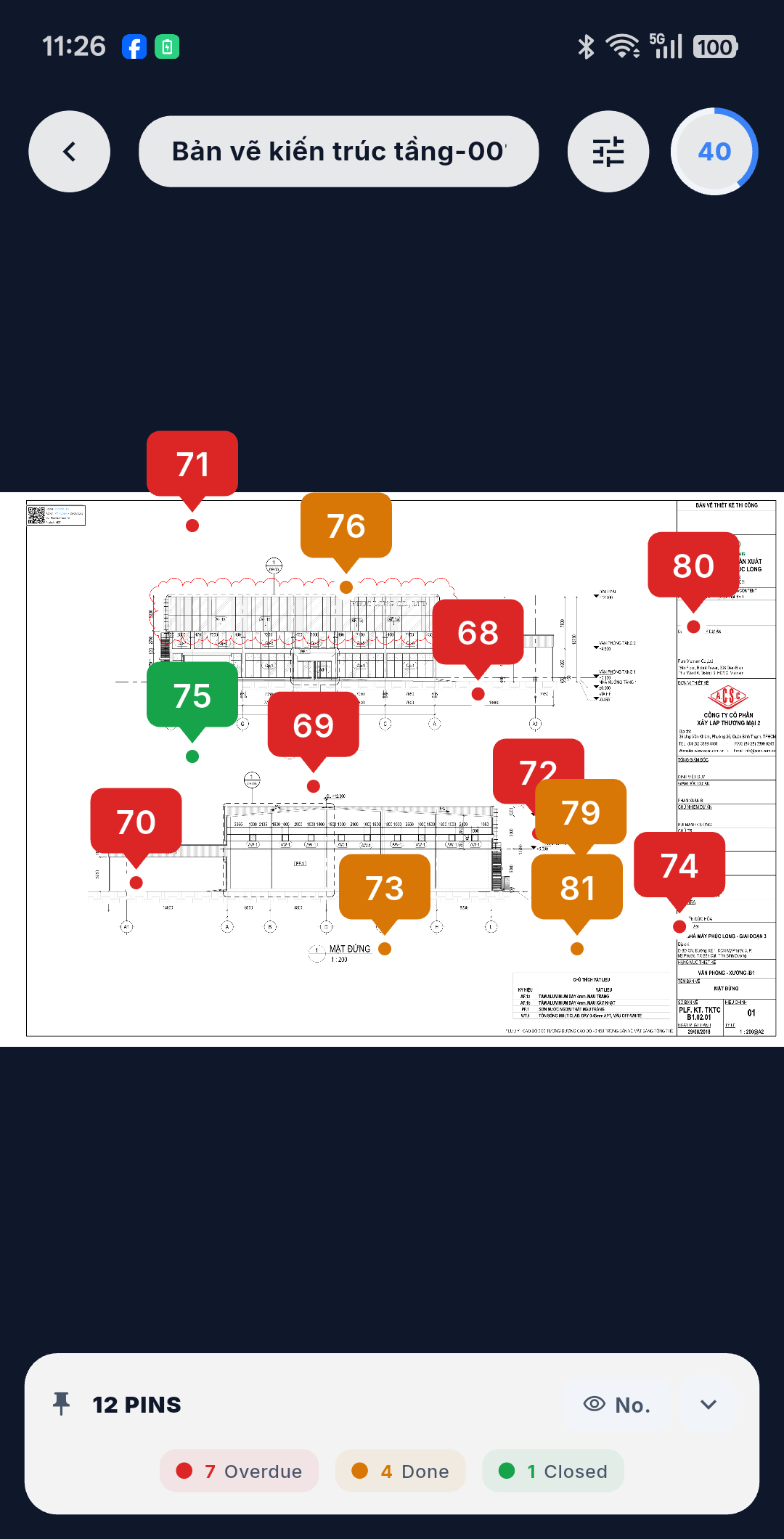
The header button doubles as the progress indicator: a ring fills as the bundle comes down, and it turns into a cloud-with-tick once the DMap is held offline.
:::tip Review never gets downgraded Once a DMap is held as a Review bundle, downloading it again from the list will not shrink it back to Create. You can only ever move up to the fuller bundle, never down. :::
Permissions
| Mode | Requires |
|---|---|
| Create download | Write permission on that DMap |
| Review download | Read permission on that DMap |
Permissions are granted per DMap by the system, so the buttons you see differ from DMap to DMap.
Progress, partial results, failures
Progress is shown as a percentage across the phases — map info → map image → annotations → attachments (that last phase only in Review mode) — and the parts come down in parallel batches.
| Outcome | What it means |
|---|---|
| Success | Everything arrived |
| Downloaded (partial) | Some sub-images or documents failed, but the DMap is usable. Download it again to pick up only the missing parts |
| Failed | The main map image failed. Without it there is no DMap, so this counts as a failure — use Retry |
Cancelling
A download can be cancelled while it runs. On cancel — or on a core failure — the files written during that attempt are cleaned up, so no orphan bytes are left occupying the device.
:::note No pause and resume A download runs to completion or not at all. Retry re-runs the whole thing; there is no pausing halfway and picking it up later. :::
Storage
The map image and the documents are pinned in the app's binary cache, meaning routine cache clean-up will not evict them. If a file does disappear from the device, the app notices and corrects the DMap's "downloaded" flag rather than promising you an offline DMap it can no longer open.
To see how much space this is all using — and to clear or export it — go to More → Offline Storage, described in Offline Mode & Sync Management.