Privacy
An issue has two visibility levels:
| Level | Who can see it |
|---|---|
| Public | Everyone in the project |
| Private | Only the Creator, the Assignee, and the Distribution list |
The Issue module does not use a "Restricted" level.
Make an issue private at creation
Toggle Private at the top of the Create Issue panel before submitting.
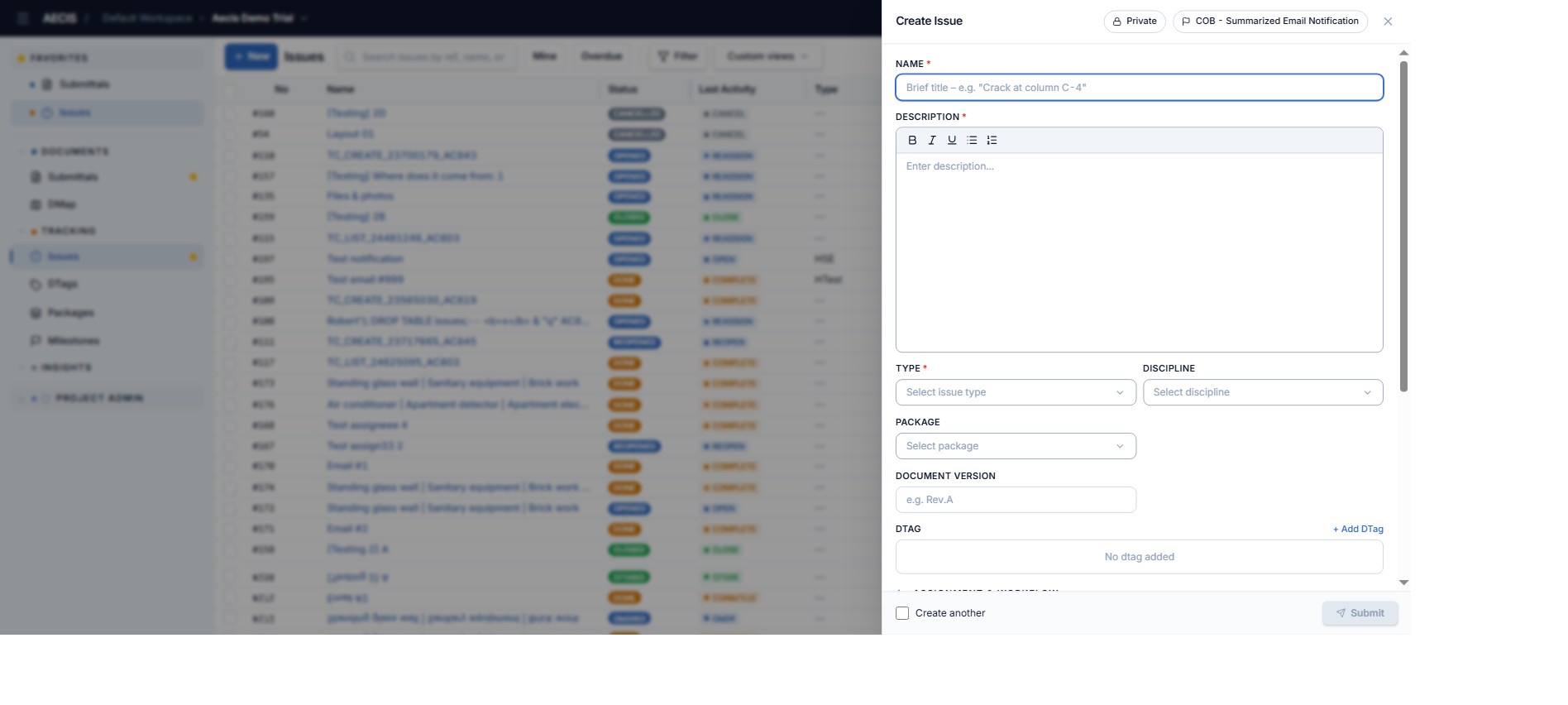
Switch an existing issue to private
- Open the issue's detail panel.
- Click the privacy control on the social card — a one-time confirmation dialog appears:
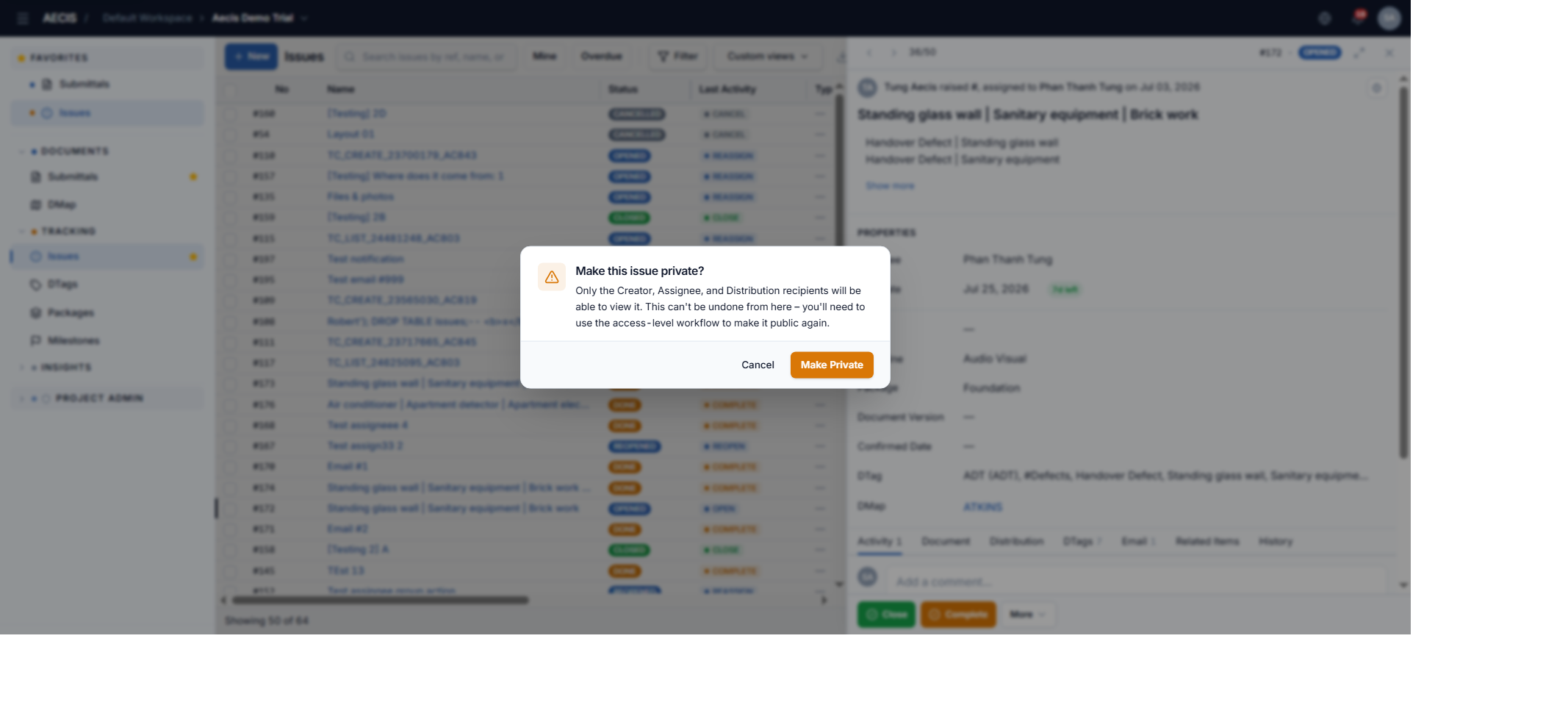
- Click Make Private to confirm (or Cancel to keep it public).
:::warning One-way action Switching from Public to Private from the detail panel is one-way: to make the issue public again, the access-level workflow must be used. The right to switch to private belongs to the Creator group, the Assignee group, or an administrator. :::
Per-action privacy
Each workflow action dialog (except Cancel) has its own Private toggle in the header, controlling the visibility of that specific action's record.
Privacy in filters
The detailed filter has a visibility level condition: all / public only / include private — see Filter & Search.