Getting Started
Prerequisites
- You are a member of an AECIS project.
- The project has been configured with the Issue Type, Discipline, and Package catalogs, the DTag tree, and (optionally) a default distribution list in the project settings.
Open the Issue module
- Sign in to AECIS and open your project.
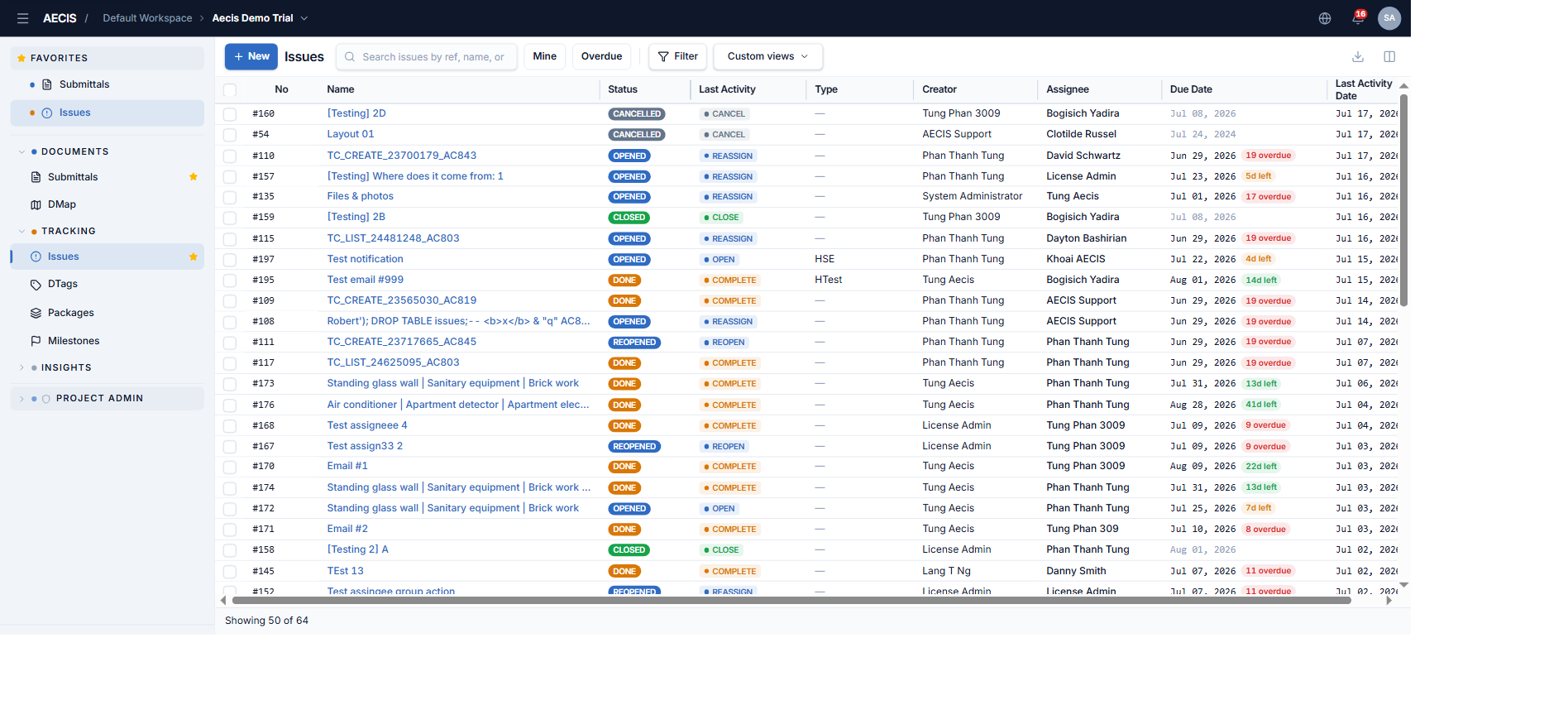
- In the left navigation sidebar, expand the TRACKING group.
- Click Issues.
The Issues screen uses the three-column layout shared by other AECIS modules:
- Left — the project navigation sidebar.
- Center — a compact, high-density data table of issues.
- Right — the detail panel of the selected issue (opens when you click a row).