Export & Refresh
Export
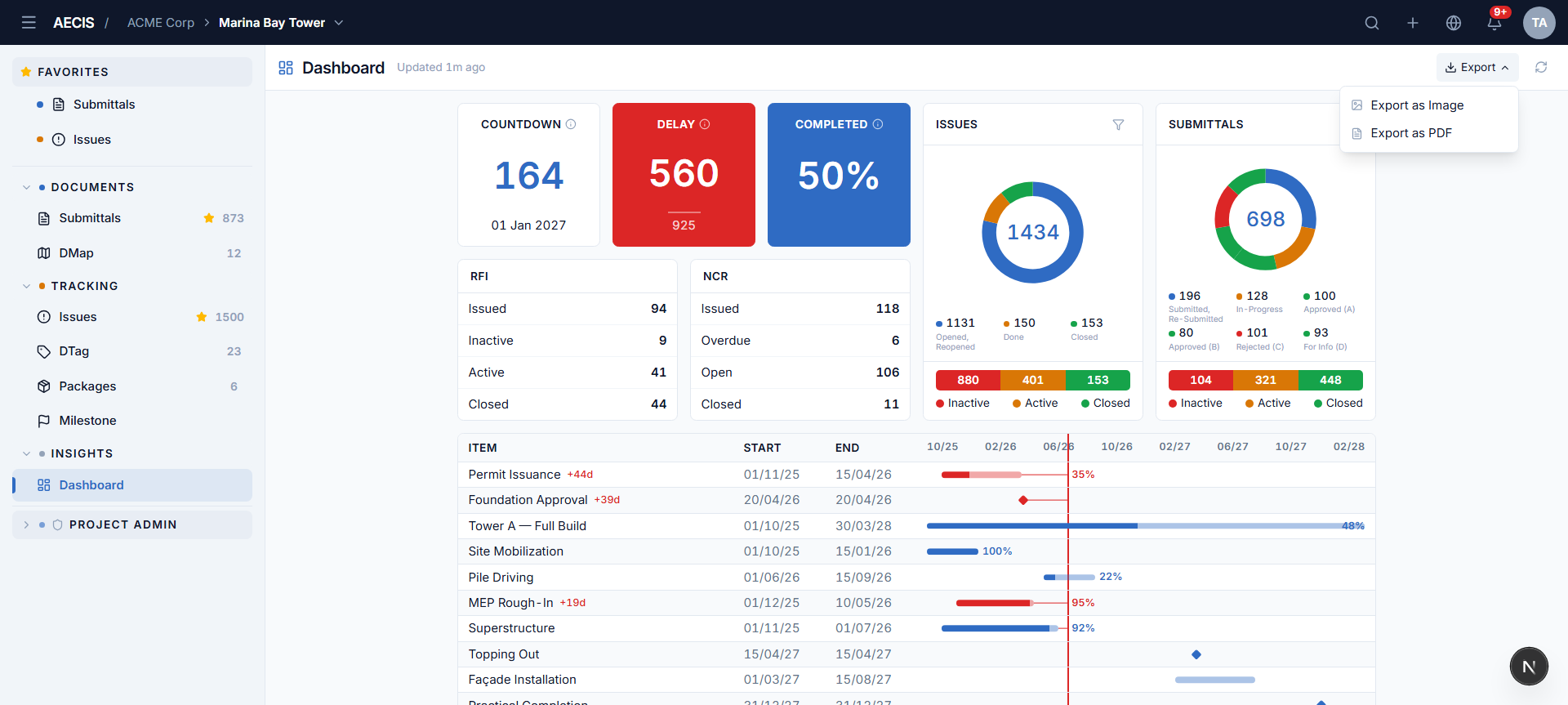
The Export dropdown in the header offers two formats:
| Item | Output |
|---|---|
| Export as Image | A crisp PNG screenshot of the dashboard body (2× pixel ratio, white background) |
| Export as PDF | The same capture placed into a one-page PDF |
- Only the dashboard body is captured — the header, sidebar, and any open panels are excluded.
- Files download as
{ProjectAbbreviation}-dashboard-{yyyy-mm-dd}.png/pdf(e.g.MB-dashboard-2026-07-18.png), with a 16px white margin.
Refresh
- Manual — the refresh button in the header reloads all widgets in parallel (it spins while loading).
- Automatic — the data reloads every 5 minutes on its own.
- The "Updated N minutes ago" caption next to the title keeps you informed of freshness.